Openers · Woodland Acres
Garage Door Remote and Keypad Programming in Woodland Acres
The new car has three buttons in the mirror for garage doors. You held the old remote up to it as the manual said, the light in the car changed, and yet the door ignores it completely.
Garage Door Remote and Keypad Programming
In plain words
Most remotes that refuse to pair were never going to. Garage door openers have gone through several radio generations since the mid-1990s, and a remote made for one generation is invisible to a receiver from another. The learn button on the head unit, its colour on many makes, and the model label tell the technician which generation you have. The right remote or keypad is chosen from the maker's compatibility chart before any packaging is opened, or a universal control that speaks several generations is used. Programming then takes a moment, because the two sides can finally hear each other.
How the visit goesThe remote opens the door only when you are almost underneath it. From the end of the driveway you press five or six times and nothing happens. It started around the time the bulbs in the opener were changed to LEDs.
Woodland Acres
How the visit goes
Which generation is this opener?
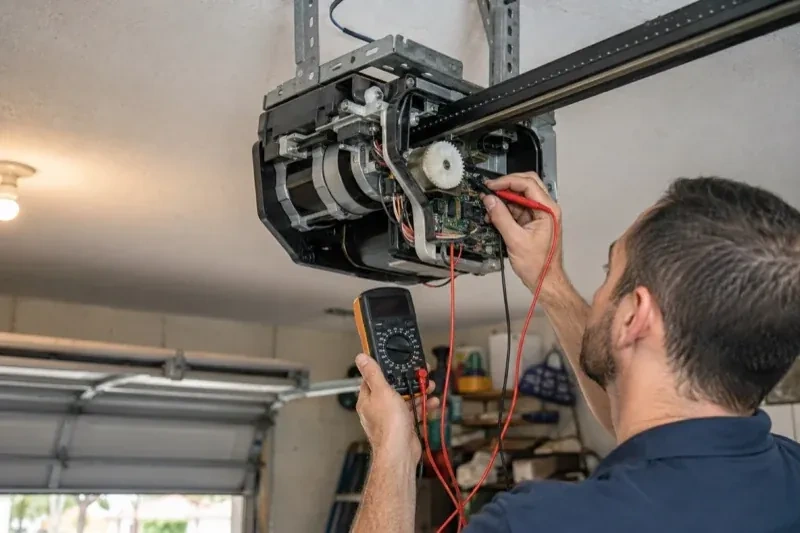
Under the light cover of the head unit, near the antenna wire, sits the learn or program button. Its colour on many makes and the model label beside it tell the technician which radio generation the receiver belongs to, and that decides which remotes and keypads can ever be paired with it. Most openers from the mid-1990s onward use rolling codes, earlier ones often fixed codes set by switches, but age alone does not confirm which; the model settles it. The accessory in hand is compared against the maker's compatibility list before its packaging is opened. Ten seconds with a ladder here prevents an afternoon of pressing buttons on a remote that was never going to work.
Adding a remote to the memory
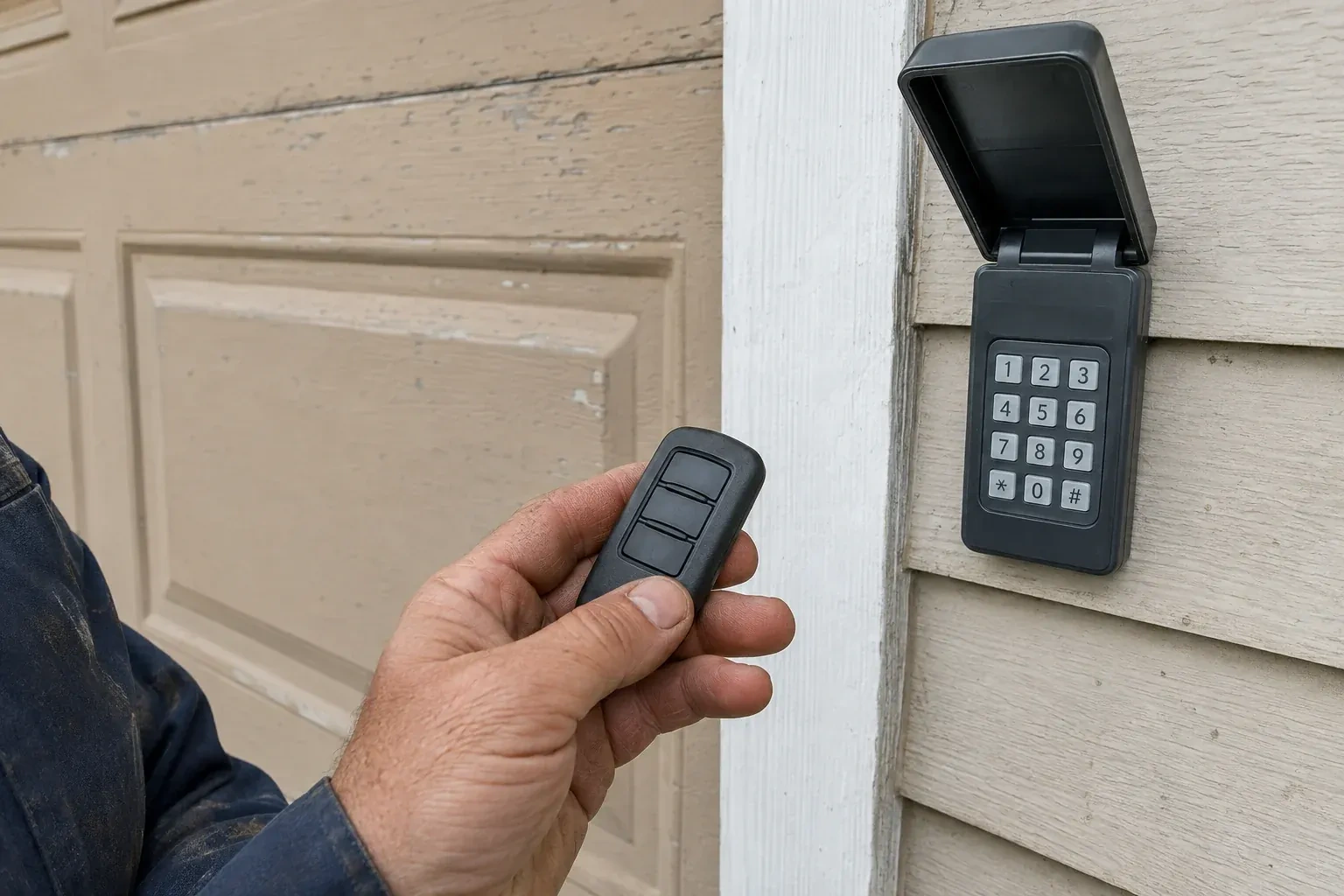
With a compatible remote in hand and the opener confirmed ready, pairing is a short exchange. The technician presses and releases the head unit's learn button, which opens a programming window of roughly half a minute, then presses the chosen remote button until the opener light blinks or the unit gives a click. That button now opens the door. A second button can be tied to a second door or a gate the same way. Each remote is tested from the driveway and from beside the door, and the process is repeated for every device on the list so nobody is left with a control that half works.
Every control tested in your hand
Before the technician leaves you operate each device yourself: the remote from each car, the keypad with your new code, the vehicle button from the driver's seat, the wall control. You see the door open fully and close to a gentle seal from each one. If a remote has two or three buttons, you know which door or gate each drives, and a small label says so. You also watch the reversal tests performed, so you know the door backs off an obstruction and stops for the sensor beam. Nothing is left as something to try later on your own.
Garage Door Remote and Keypad Programming
In the van
- AAA and nine-volt keypad batteries
- Multi-door keypad
- Keypad mounting screws and anchors
- Contact cleaner and fibreglass brush
- Universal multi-generation remote
What affects the quote
Same fees day, night or weekend
1Keypad supplied or existing
Programming a keypad already on the wall is one task. Supplying and mounting a new one, including anchors for brick or siding, is a larger item.
2Shared or managed building
In a condominium or rental building, coordinating with the property manager and working on a common door adds steps to the visit.
3Vehicle buttons to train
Vehicle programming is quoted by the actual vehicle and opener combination, since not every built-in system uses the same steps; an older vehicle that needs a bridge module adds that part.
Garage Door Remote and Keypad Programming: questions
Will unplugging the opener reset the remotes?
No. The stored controls survive a power cut or a long unplugging; the opener remembers them when power returns, and manufacturers say this plainly. Removing a control is done at the learn button, following the model's sequence, either by erasing the whole memory or, on some models, by deleting a single device through a supported wall control or app. That is reassuring after an outage and important after a lost remote.
Do I need to be home for the programming visit?
Yes, for two reasons. The technician confirms that the person authorising changes to the door's access is the owner, a tenant with permission or the building manager, and you choose the keypad code yourself so it is never known to anyone else. You also test each control in your own hand before the visit ends. Have every remote and vehicle you want programmed available, since a car parked elsewhere cannot be trained.
Where should the keypad and wall control be mounted?
Out of children's reach and in sight of the door. The door industry's checklist puts wall-mounted push buttons at least about one and a half metres above the floor, in clear view of the door and away from moving parts, and outdoor keypads follow the same idea beside the door. Keypads are programmed before mounting, then fixed with the screws and anchors suited to the wall.
Openers & Access
Garage Door Remote and Keypad Programming near you
Garage door work for Woodland Acres divides neatly into what we fix, what we replace and what we install. We fix tracks, hinges, openers and panels; we replace springs, cables, rollers, seals and sensors; and we install new doors, new openers and access equipment such as keypads and smart controllers.